Why Tray Clearance Matters
When arranging a home office desk, many people measure only the physical dimensions of their printer. However, setting up models like the Canon TS3320 requires unfolding components that extend beyond the chassis. If your desk is pushed against a wall or tucked into a tight shelf, you may lack room to prepare the device for use. Planning for this opening envelope prevents the need to slide the printer forward every time you print.
Canon TS3320 Setup Clearances
The official setup instructions for the Canon TS3320 specify exact clearances required to open its paper support and paper output tray. You need 15.7 inches (40 cm) of free space in front of the printer and 9.8 inches (25 cm) behind it to fully open the rear paper support and pull out the front paper output tray. These measurements represent the functional access area needed to unfold the trays, not the total operating ventilation space or the size of the machine itself.
The Canon TS3300 series manual identifies these parts clearly: the paper support folds up at the rear to guide sheets into the feed slot, while the paper output tray pulls out from the front, accompanied by an extension piece to catch ejected pages. Both are deployed when preparing to load plain or photo paper.
Mapping Your Workspace
To apply this method, separate your printer's static footprint from its dynamic opening envelope. Measure the free space in front of and behind your intended desk location relative to walls, doors, or other items. Compare those measurements against the 40 cm front and 25 cm rear requirements specific to the Canon TS3320. Verify that both the rear support and front tray can open completely without shifting the device.
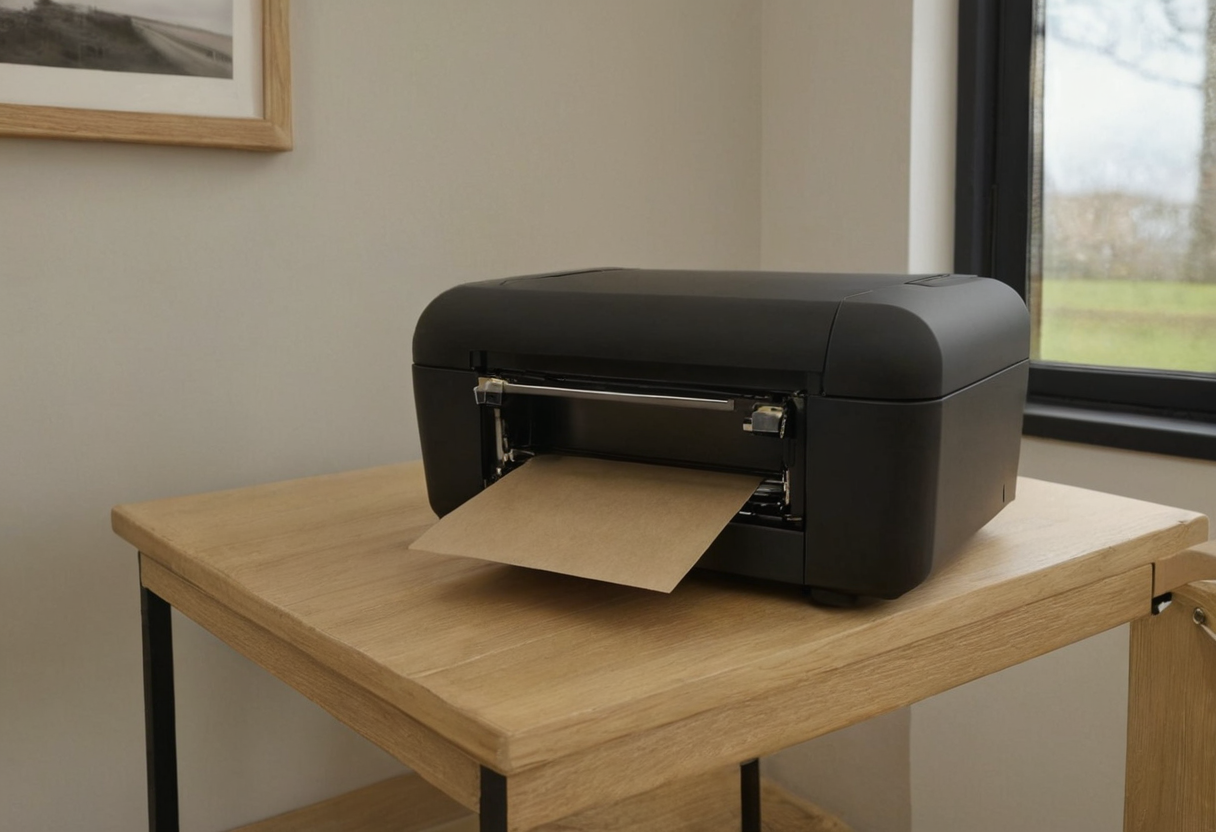
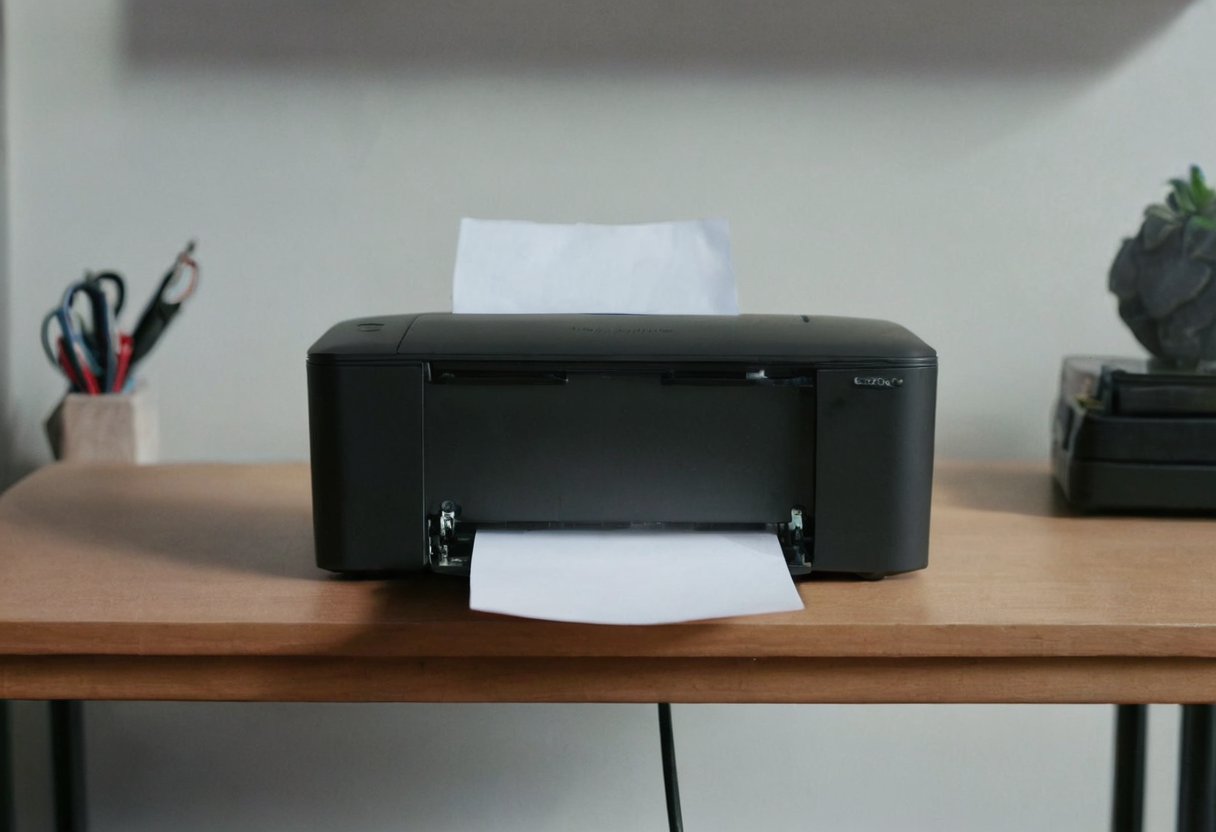
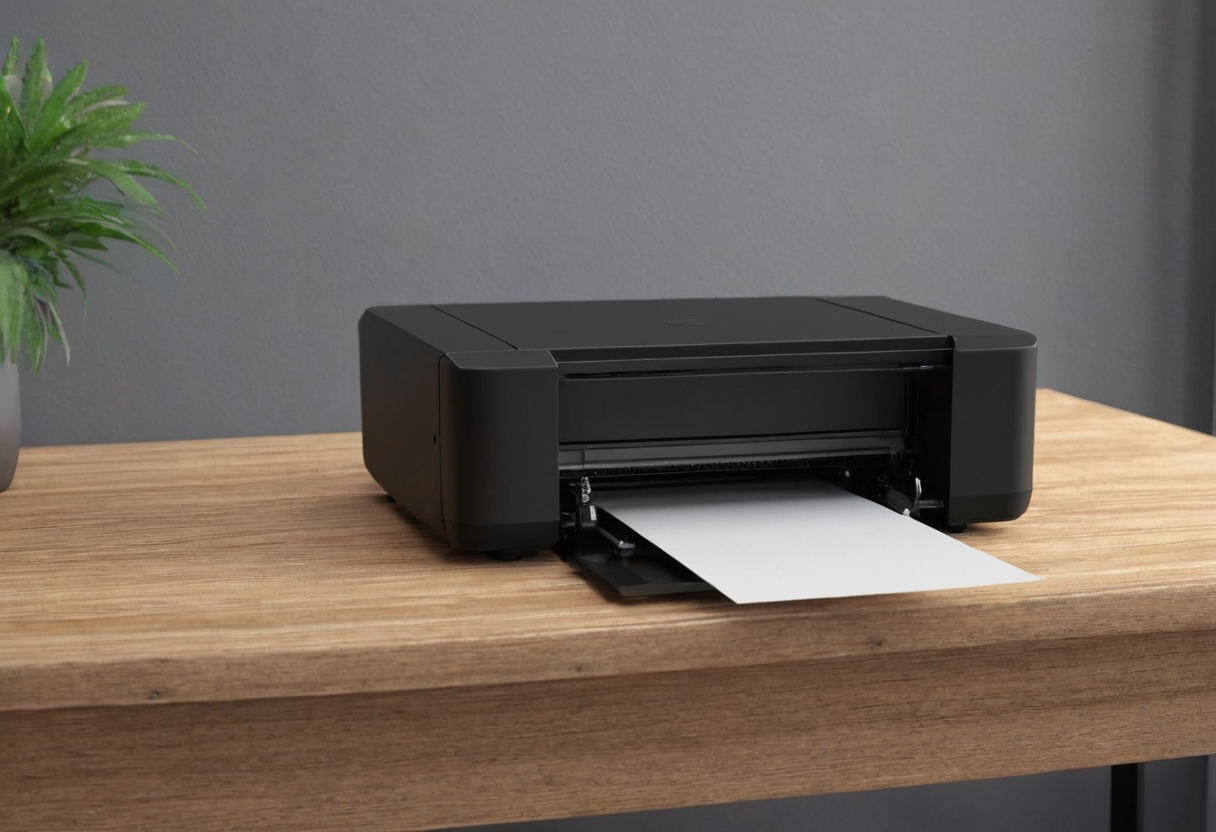
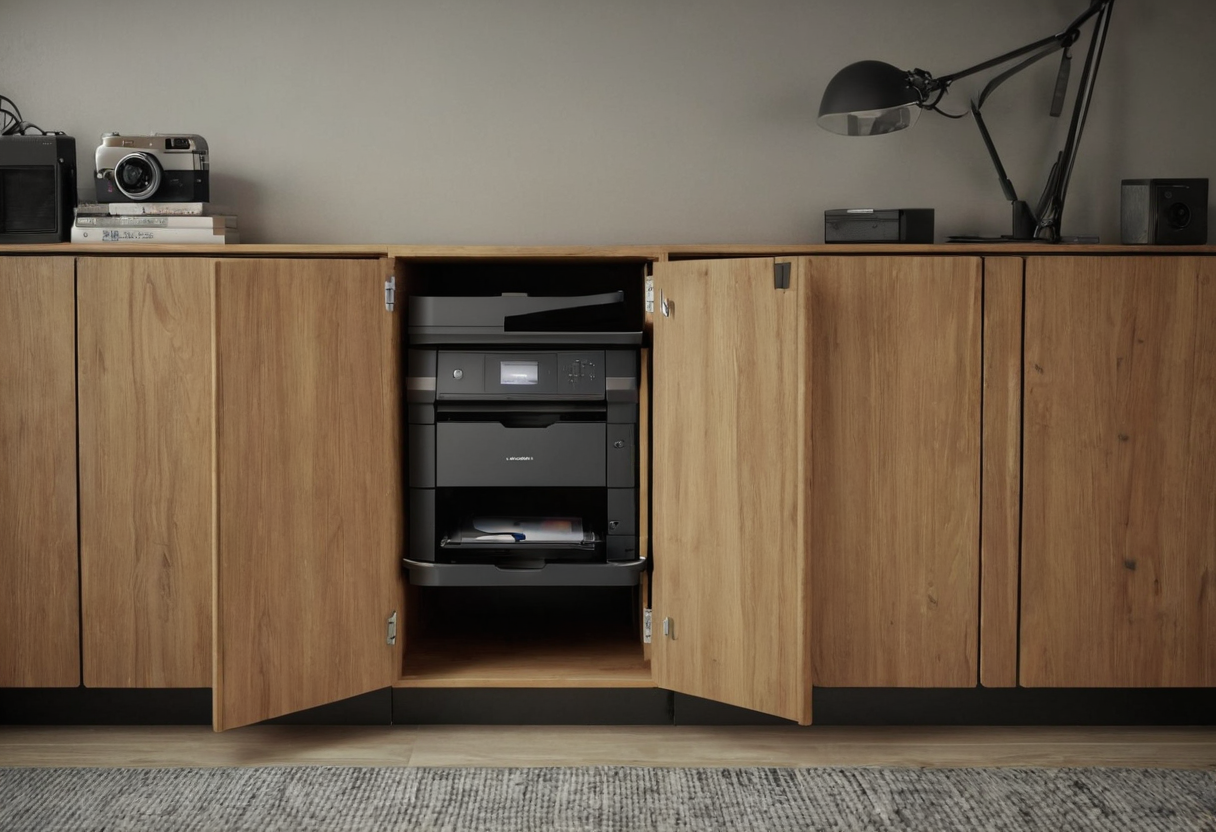
If you keep supplies nearby, review our guide on organizing stored paper near your workstation to ensure stacked reams do not block tray movement. For those using mobile setups, our overview of workspace carts and stands offers ideas for flexible placement, though you must still verify that any surface provides the necessary front and rear clearance for your specific model.