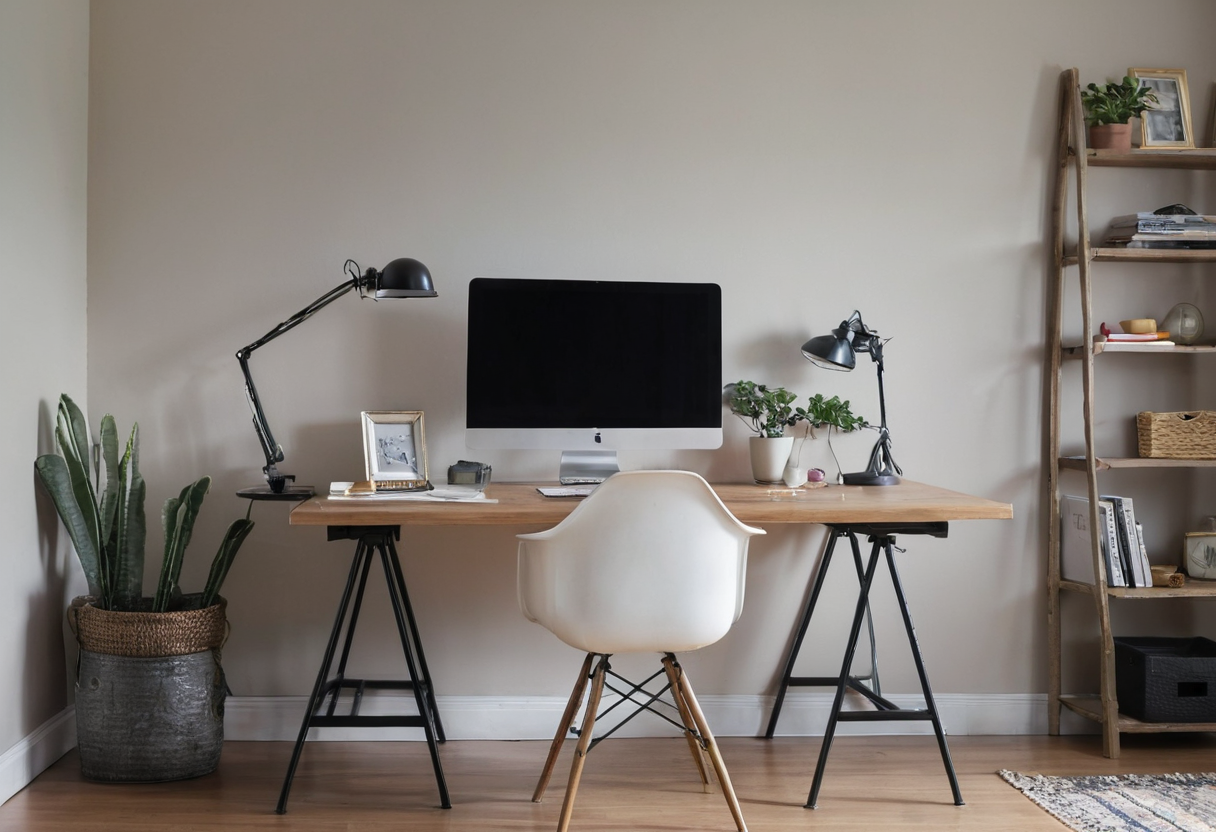
When evaluating a video call backdrop, the relevant surface is strictly what falls inside the camera’s field of view from a seated position. Most room decor remains invisible to remote participants. Tracing the sightline from desk to chair to the wall behind you isolates the actual frame.
Two Documented Approaches
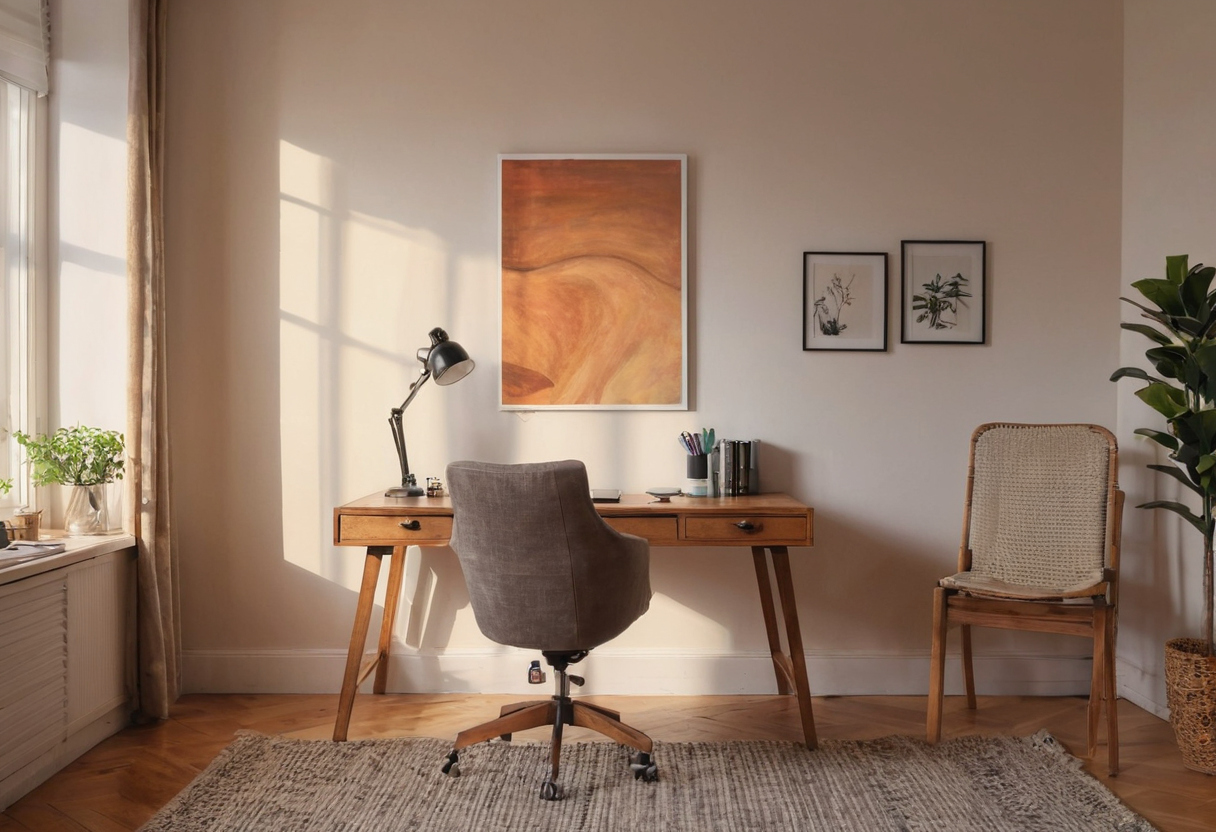
Basil + Tate addressed this in their Bradbury Project custom home office, where clients specifically requested a Zoom backdrop. Designers placed a soft abstract painting illuminated by a matte black art light directly behind the desk. Built-in cabinetry elsewhere was stained to match, and curtains frame the broader space.
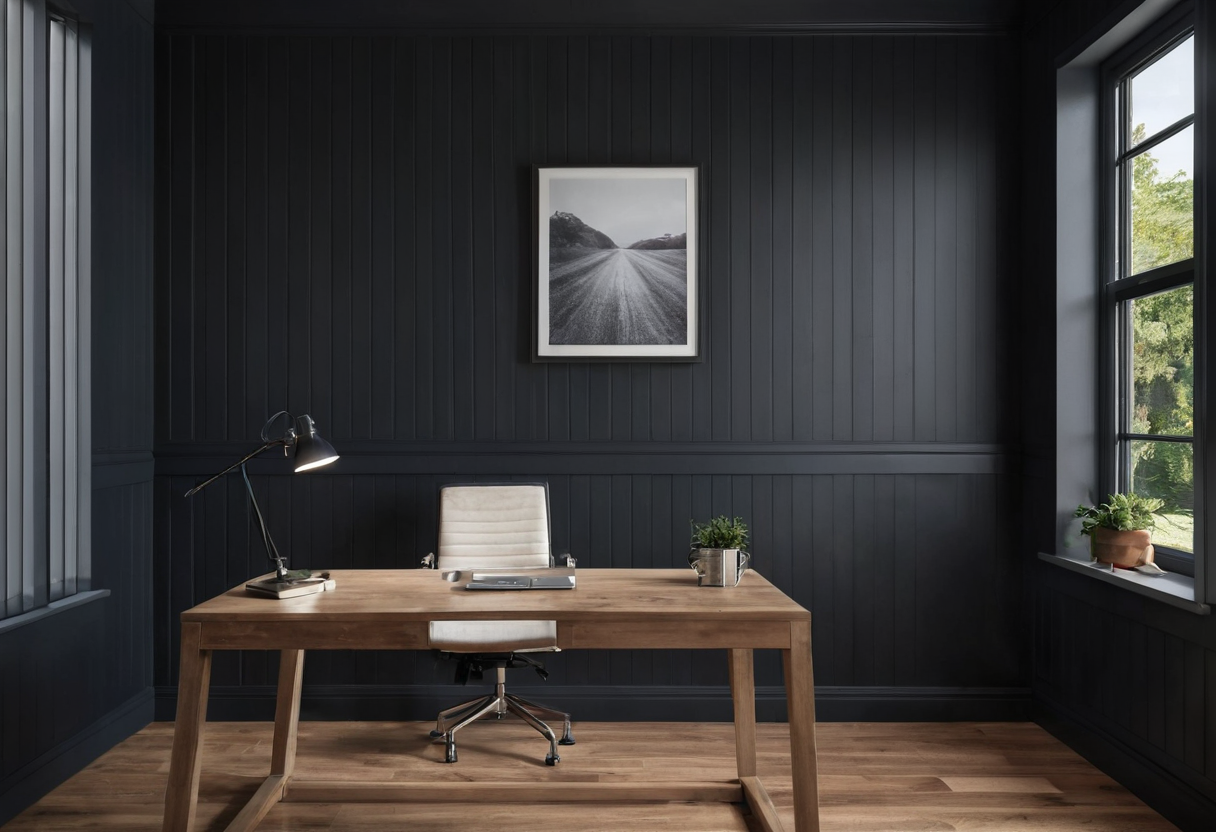
Avileve, operating as Accent Walls & Ceiling, took a different route for a completed Tampa attorney home office. The builder notes the client asked for a video-call background, resulting in dark panels with vertical wood slats and an integrated horizontal window.
These two projects contrast a singular, curated art piece against a full-wall textural treatment incorporating natural light.
Testing Your Own Sightline
Sit at your desk in your usual working posture and open your webcam software. Note the exact visible rectangle in the preview, then identify what occupies that space behind your shoulders. If doors or open storage intrude into this geometric boundary, consider whether adjusting your seating angle or moving items resolves the overlap. This relies entirely on basic spatial geometry—camera settings and your distance from the lens dictate the width of the visible wall.
If your setup involves a window relative to your monitor, remember that screen glare and background lighting operate independently, a distinction explored further in our guide on window-facing screens. Additionally, if closed storage happens to fall within your tested frame, our notes on closed shelf papers address how such units appear when visible.
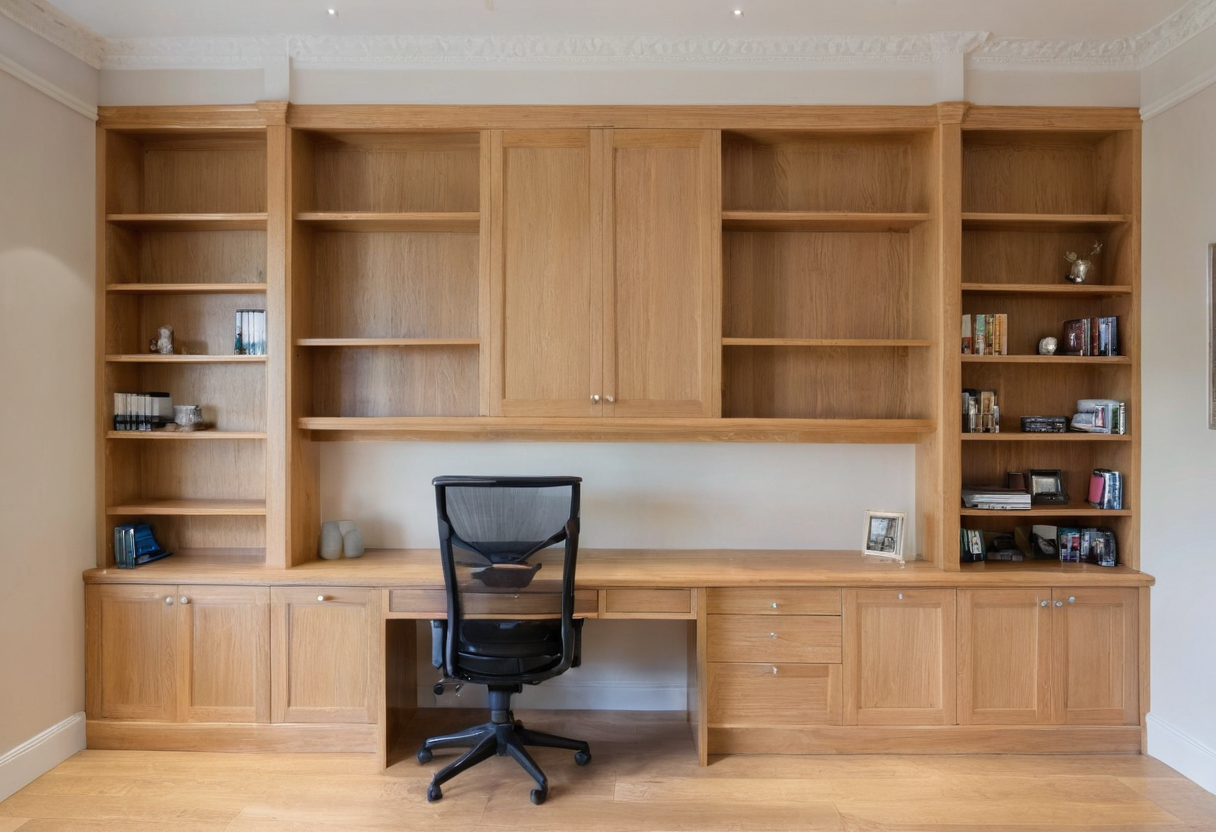
Evaluate the physical rectangle your camera actually renders before selecting paint, art, or paneling. The wall treatment should serve the lens, not just the room.