Open Active Charging Patch
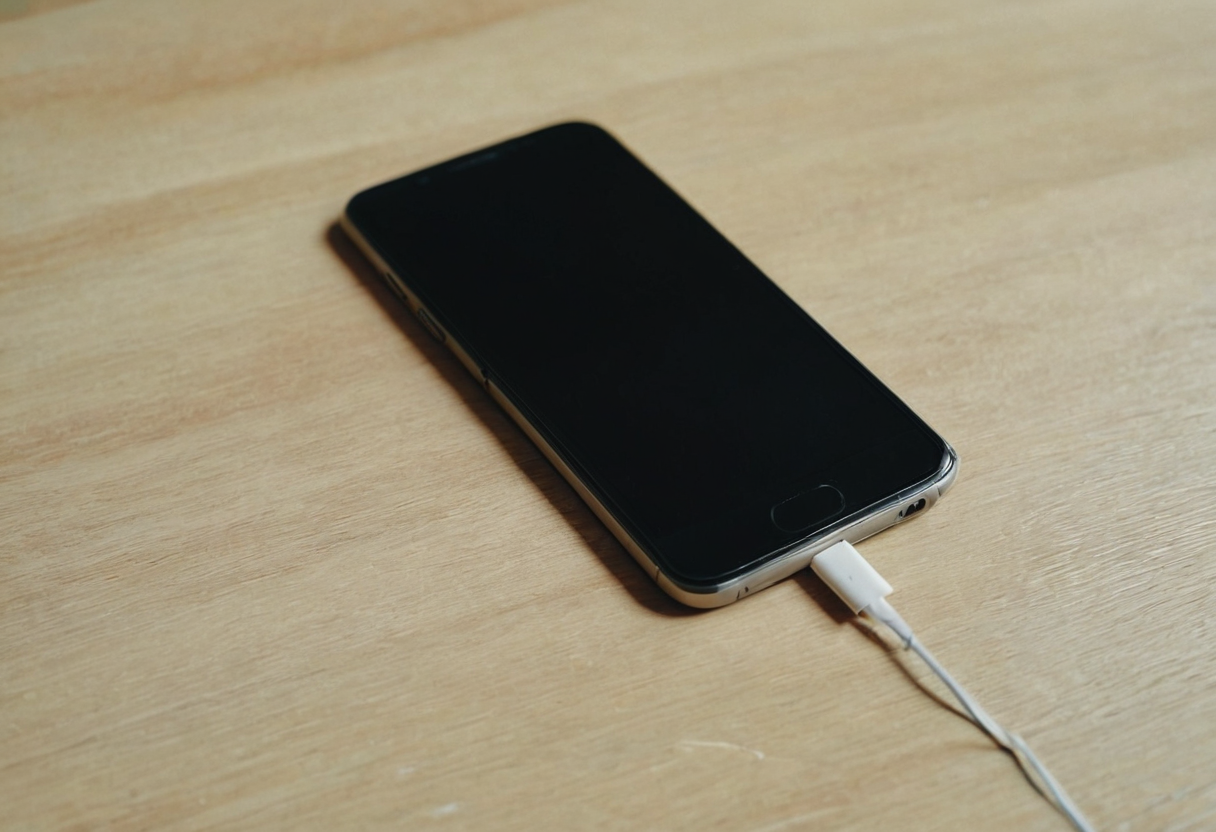
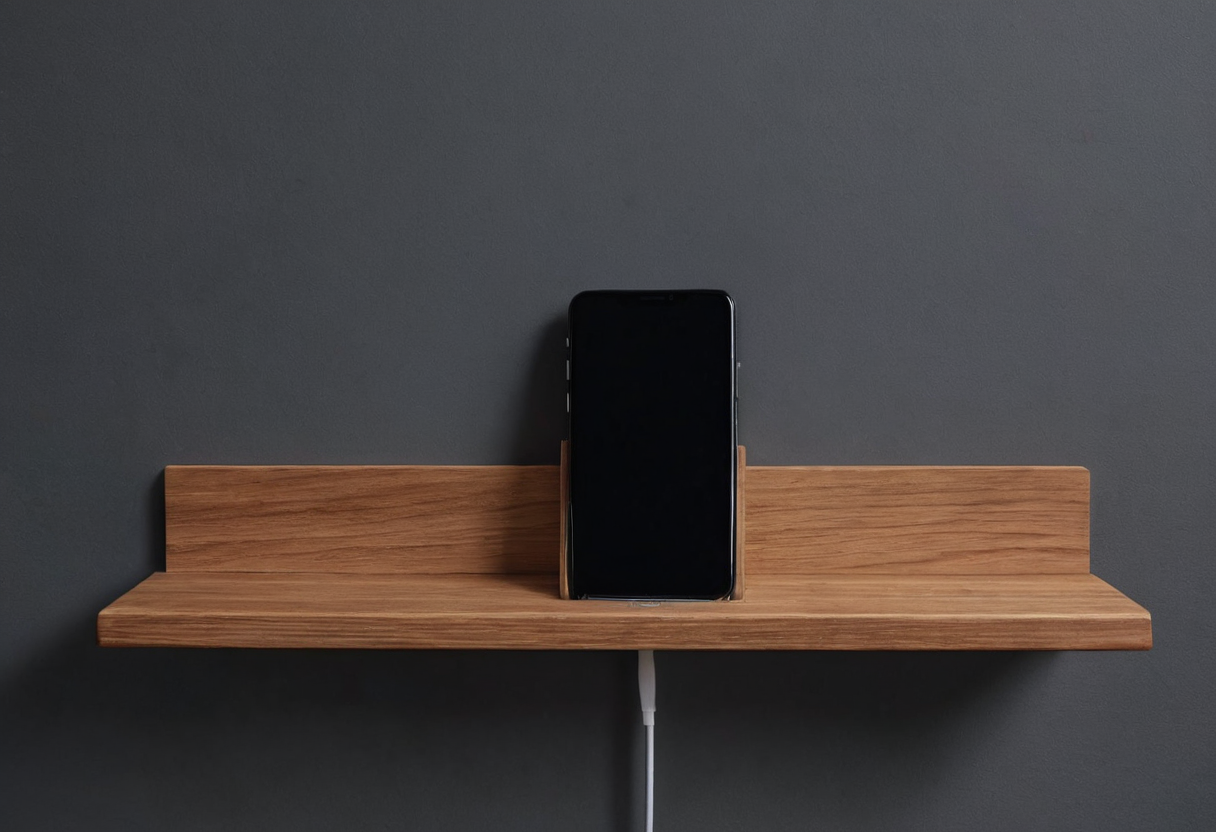
When a smartphone is actively connected to power, both the Google Pixel 10 series Safety & regulatory guide and the Apple iPhone User Guide for iOS 26 emphasize ventilation. The Pixel 10 manual states that the phone and its power adapter must remain well ventilated during use. Similarly, the Apple guide directs users to keep the iPhone, charging cable, power adapter, and wireless charger in a well-ventilated area. An open, visible parking patch on a desk leaves the device uncovered, though actual ventilation depends on following the specific manual instructions for your model.
Both manufacturer documents explicitly warn against placing a powered device or its adapter under a blanket, pillow, or body. Avoid any setup where textiles cover the hardware while it is plugged in.
Accessible Power Adapter Placement
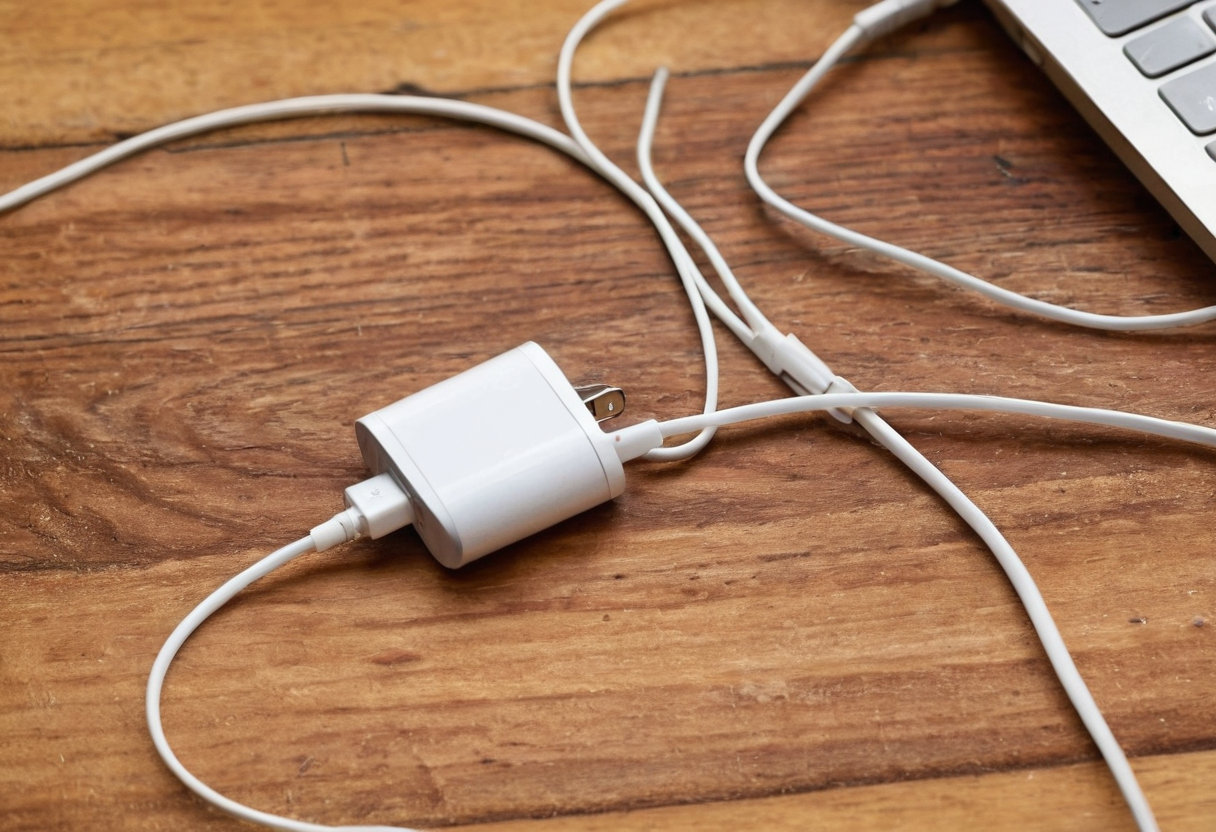
The Pixel 10 guide specifies that the power adapter should be plugged into an easily accessible outlet near the device. For wireless charging, the Apple iPhone guide adds that users should remove metallic cases and avoid leaving keys, coins, or jewelry on the charging surface. These model-specific instructions focus on keeping the immediate charging zone clear of metal objects that can heat or interfere, and ensuring the adapter remains reachable without awkward cable routing.
Closed Storage for Unplugged Materials
A practical work surface separates active charging zones from general storage. A closed drawer or cabinet is appropriate for unplugged papers and inactive accessories, as discussed in our guide on organizing closed shelf papers. For an active charging device, follow your specific manual's ventilation instructions. Likewise, storing non-charging peripherals follows different logic, similar to arranging items on a headphones desk shelf, though headset storage rules do not automatically apply to powered phones.