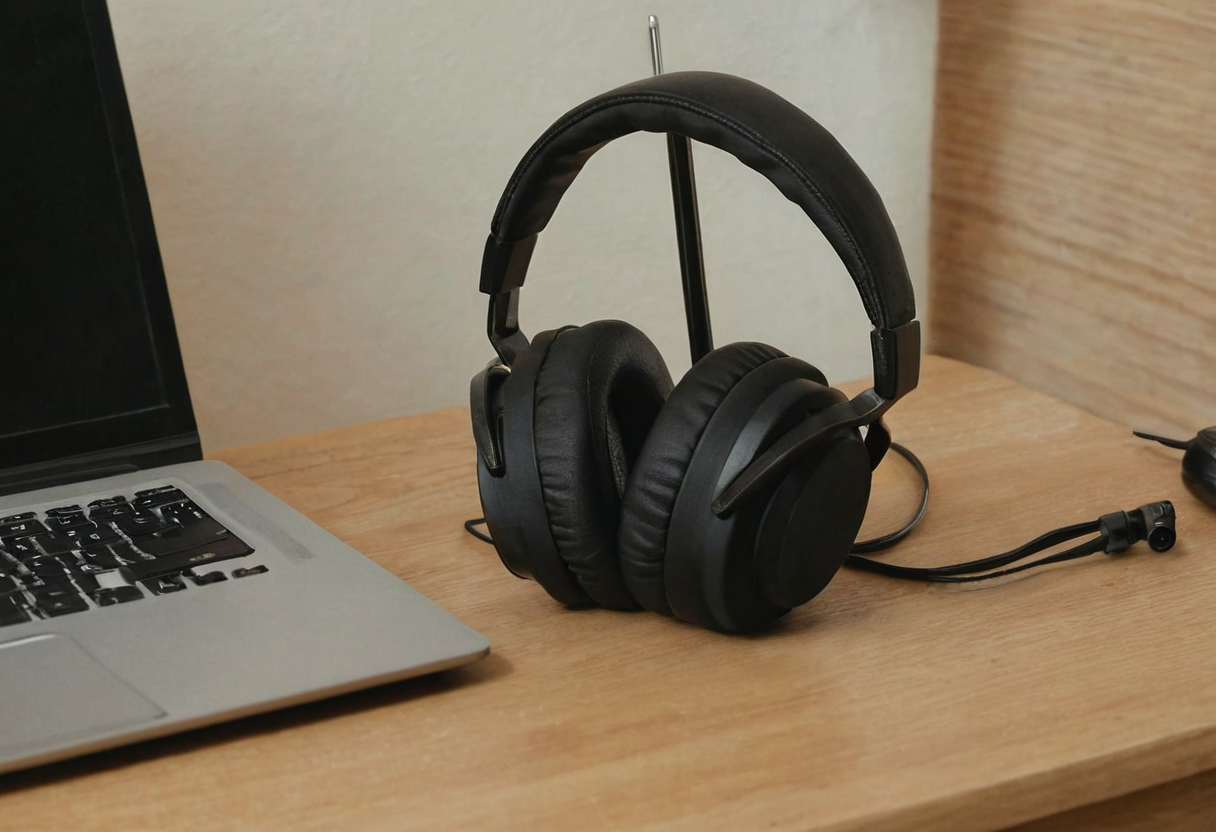
Desktop Shelf Placement
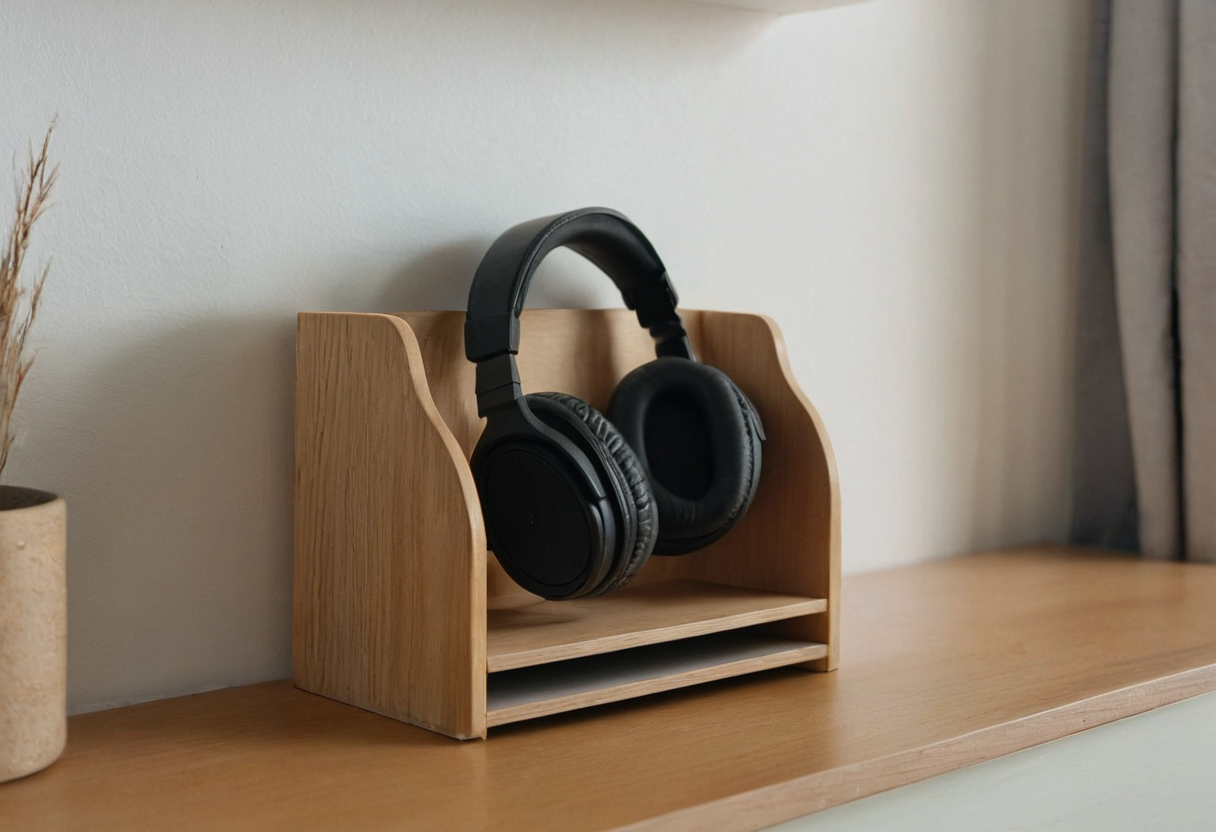
A small desktop organizer, like the IKEA VATTENKAR shelf, provides a dedicated upper tier for resting headphones between meetings. Manufacturer imagery shows headphones on these platforms alongside notebooks or bottles. Because the shelf screws directly onto the tabletop, the headset remains in your line of sight. This visibility makes grabbing the device quick when a call starts unexpectedly. However, occupying this upper zone means sharing space with other tools. If you also need to position lighting equipment, reviewing strategies for task lamp reach helps determine whether both items fit without crowding the work area. The headphone cable route will depend on your specific desk layout and where your audio source sits.
Under-Desk Hook Routing
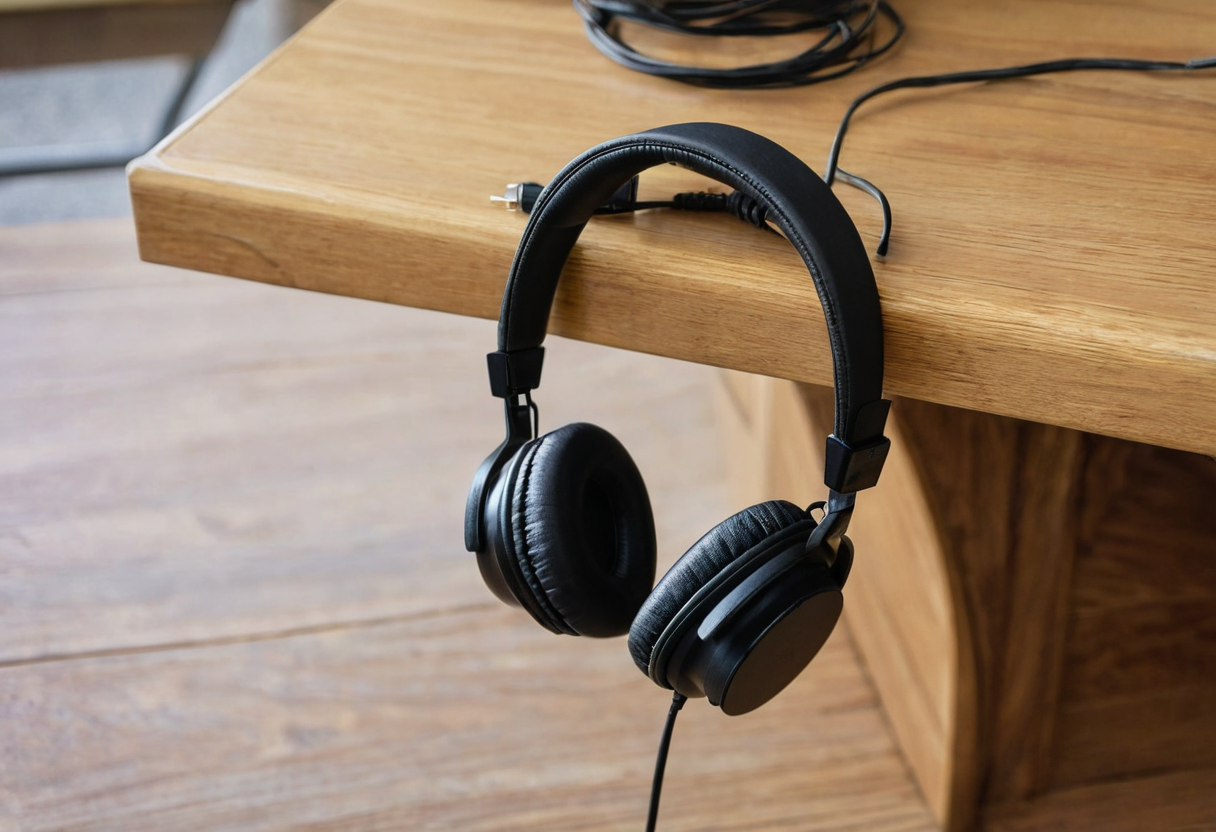
Hanging headphones below the desk surface takes a different approach. Garrett Dimon documents using under-desk hooks specifically for his headphones and wires, keeping them entirely off the tabletop. His separate under-desk shelves hold items like a USB audio interface and calculator, not the headphones themselves. By suspending the headset beneath the desk, the top surface stays clear for writing or typing. The practical test here involves checking your seated reach. When you slide back in your chair, can your hand easily find the hook without leaning awkwardly? You should also check how the cable routes from the hook to your audio source to avoid snagging on chair mechanisms or desk legs during daily movement. For readers who also plug devices in near their seat, separating headphone storage from power connections aligns with standard charging device parking layouts.
Evaluating Your Cable Route
The deciding factor between these two methods depends on how the cable interacts with your seated position. A desktop shelf keeps the headset close, while an under-desk hook hides the hardware. Test how each placement affects your specific cable route relative to your active zone. Test both positions relative to your specific chair height and desk depth to see which retrieval motion feels most natural during your workday transitions.