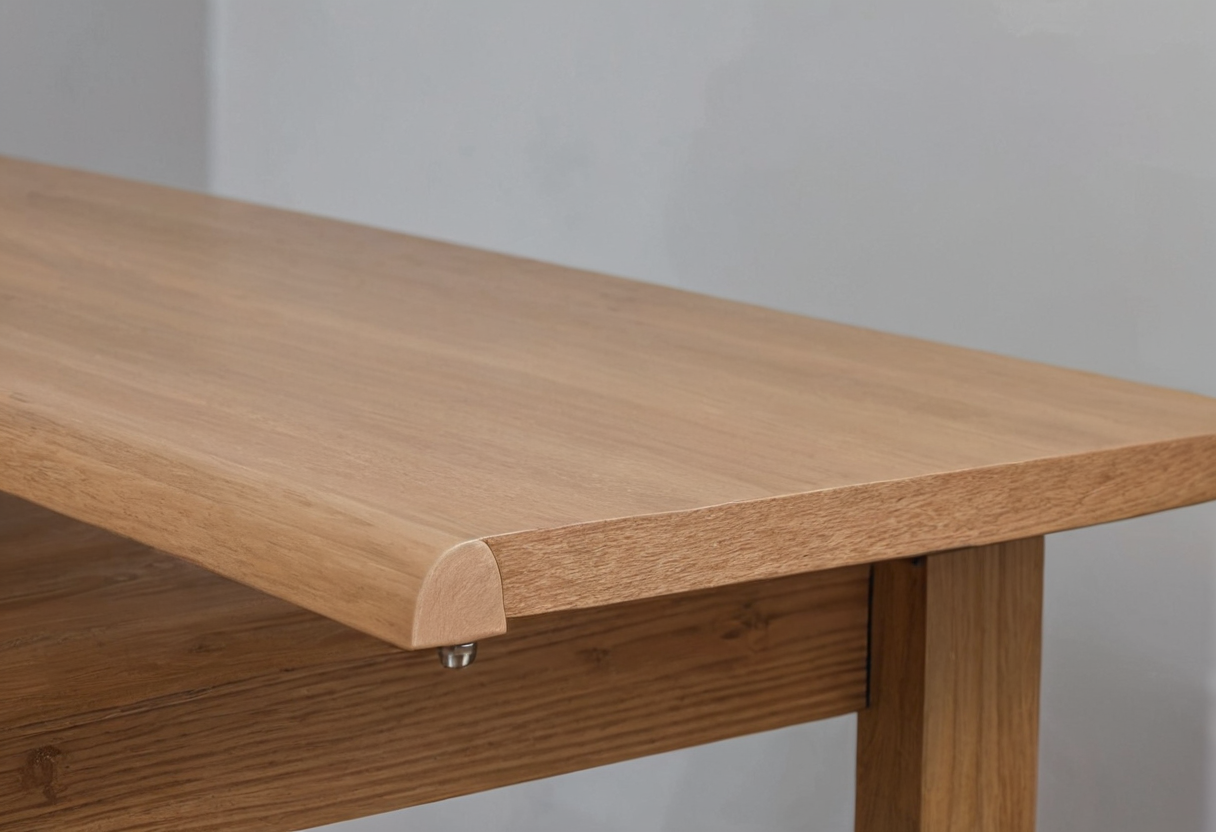
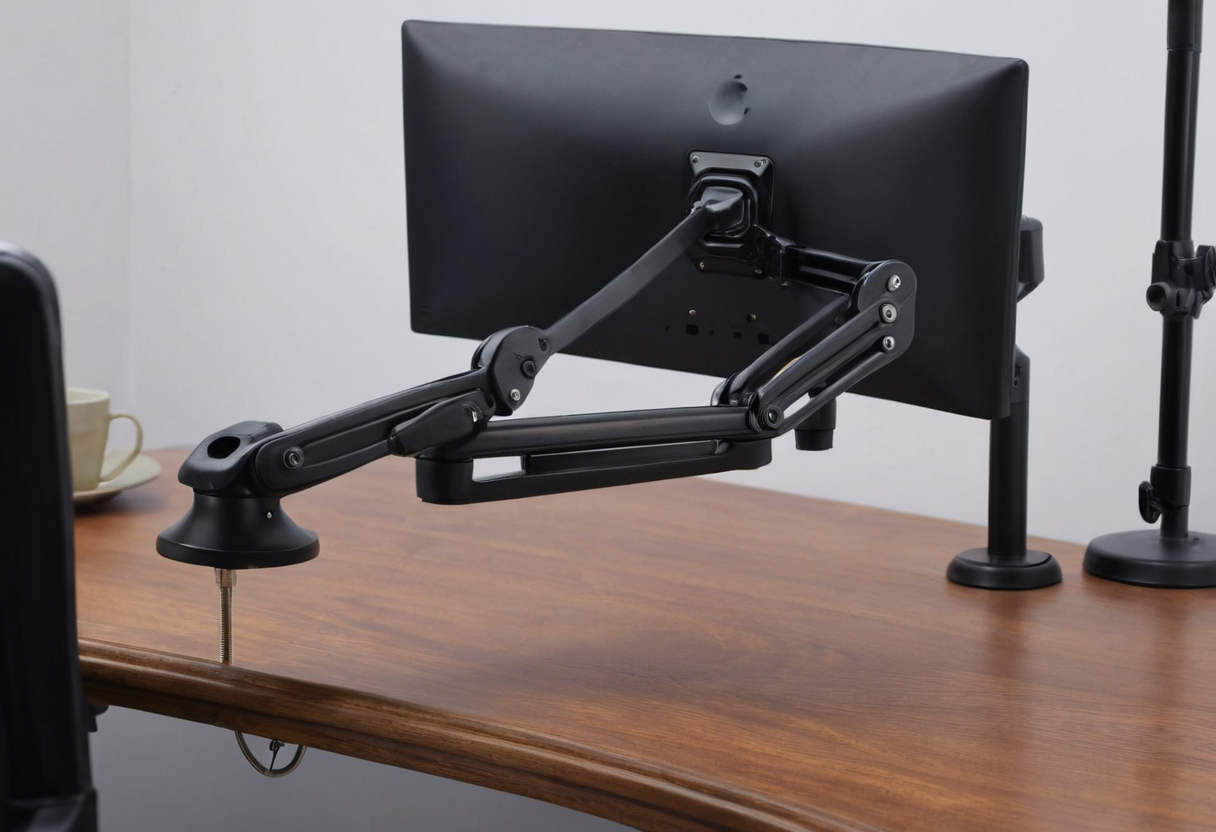
When evaluating a desk-mounted monitor arm, the first step is measuring the actual desktop thickness at the intended mounting point. Manufacturer documentation must be matched to the specific part supplied in the box, as different variants within the same product family use distinct mounts.
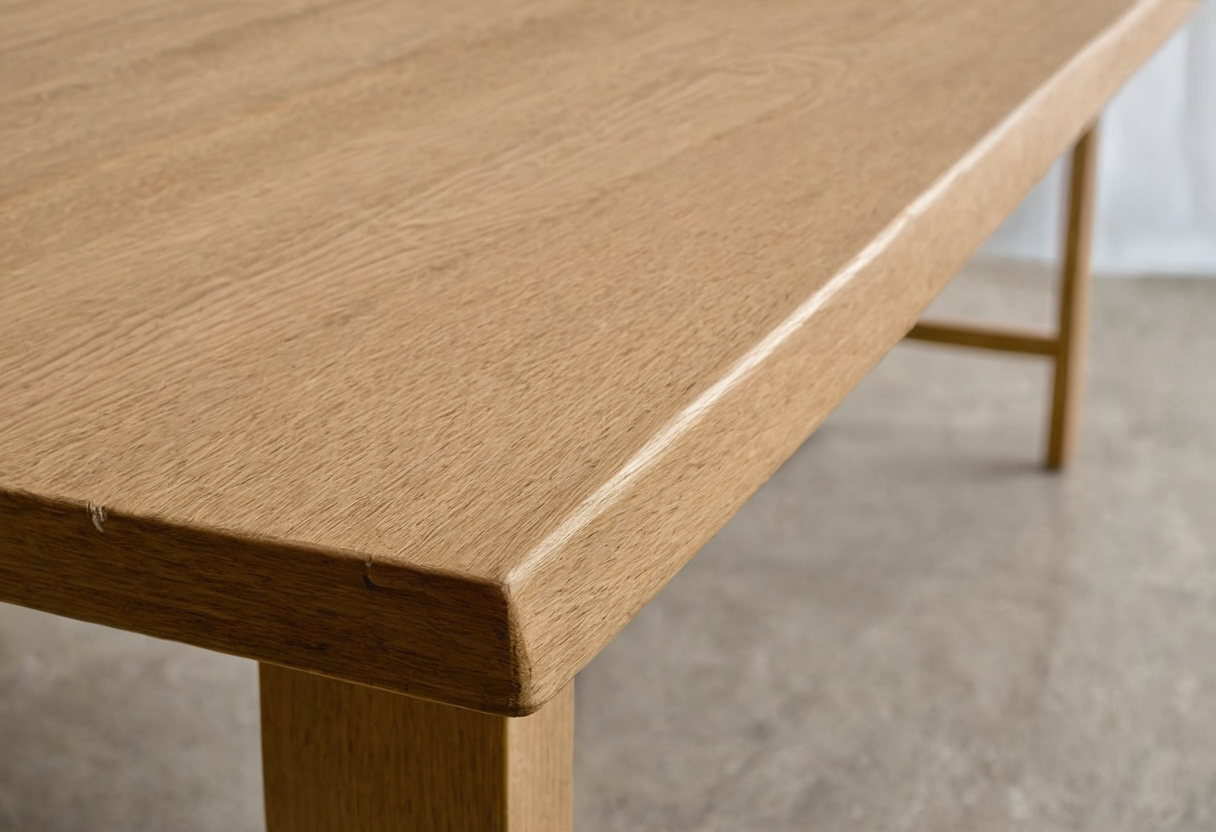
Standard Clamp Thickness Settings
For the Ergotron LX Desk Monitor Arm (product 45-241), the manufacturer specifies that the standard desk clamp attaches to a surface edge 0.4 to 2.4 inches (10 to 60 mm) thick. However, this overall interval does not mean any thickness fits without reference to the exact adjustment mechanism. The dimensional illustration for the standard two-piece LX desk clamp distinguishes discrete settings: a minimum threshold of 0.4 inches (10 mm) or less, a middle range of 0.47 to 1.38 inches (12 to 35 mm), and an upper range of 1.46 to 2.4 inches (37 to 60 mm). Consult the manual and diagram for the supplied clamp rather than assuming continuous adjustability across the entire span.
Alternative C-Clamp Edge Clearance
The standard clamp measurement must not be confused with alternative mounting methods. The manufacturer contrasts the standard two-piece clamp with an under-mount C-clamp, a low-profile top mount, and a grommet fixing method. The under-mount C-clamp requires 1.2 inches (31 mm) of unobstructed space from the desk edge for back-entry installation. Side entry is also permitted where desk geometry allows, without requiring this 31 mm rear clearance. This specification applies exclusively to the under-mount C-clamp and does not apply to the standard clamp.
Inspecting the Desk Edge
Beyond thickness, inspect the underside edge for any apron, rail, or wall gap. Map the arm's travel and nearby objects. For context on how other workspace equipment occupies desk space, a freestanding laptop stand footprint compares freestanding base footprint, while evaluating task lamp reach compares another moving object near the work surface.